
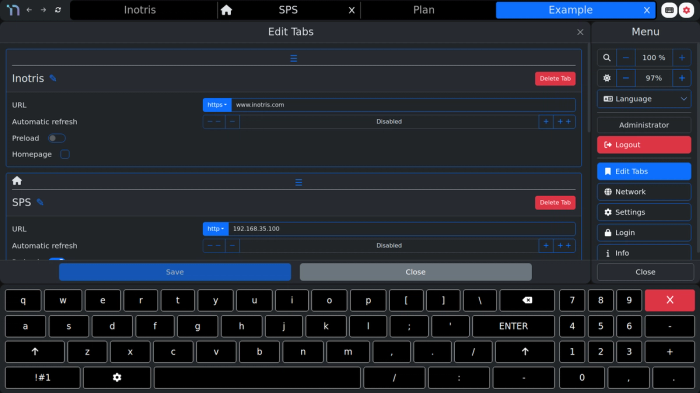
Multi-tab management
Add as many tabs as you need, each with its own URL, automatic refresh interval, preload-on-startup option, and an optional homepage flag — reordered by simple drag and drop.
Inotris UI is the software layer that runs on Inotris HMI panels. It presents any HTML-based control system, SCADA dashboard, or web application in a simple, tabbed kiosk interface — with an on-screen keyboard and settings built in, ready to configure on site.
Installers who need a display that works with the control systems they already use; operators who want one consistent interface across sites and languages; IT and business decision-makers who want to avoid being locked into a single vendor’s software stack.
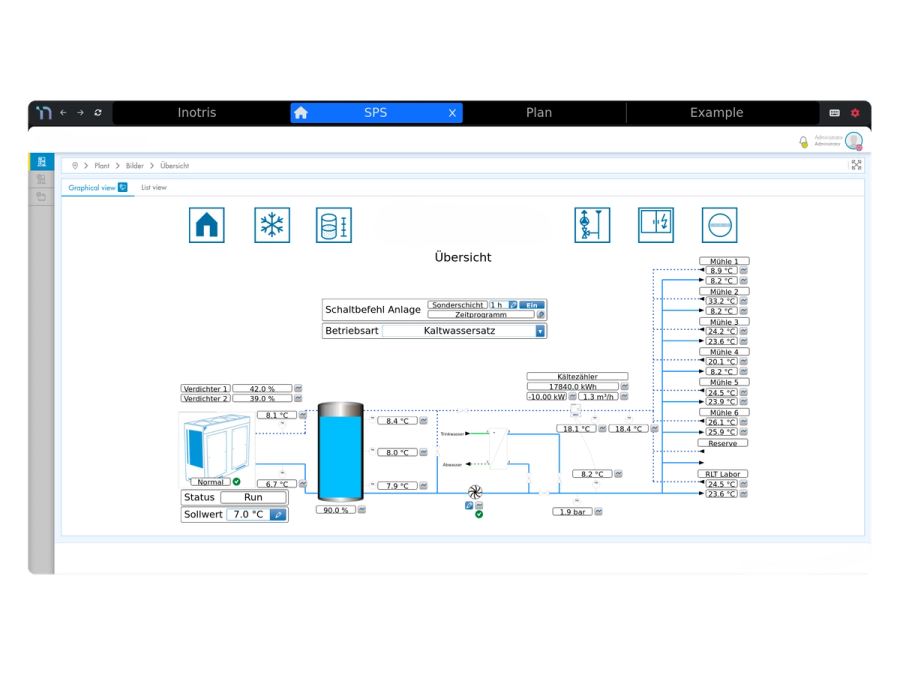
Add as many tabs as you need, each with its own URL, automatic refresh interval, preload-on-startup option, and an optional homepage flag — reordered by simple drag and drop.
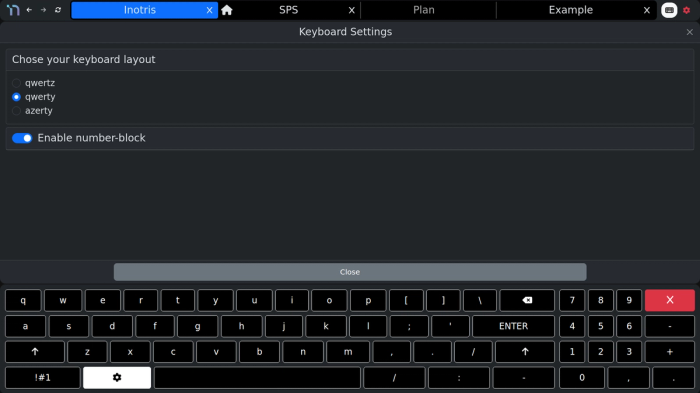
Switch between QWERTY, QWERTZ, and AZERTY layouts, with an optional dedicated number block. Designed to never cover the content you're trying to operate.
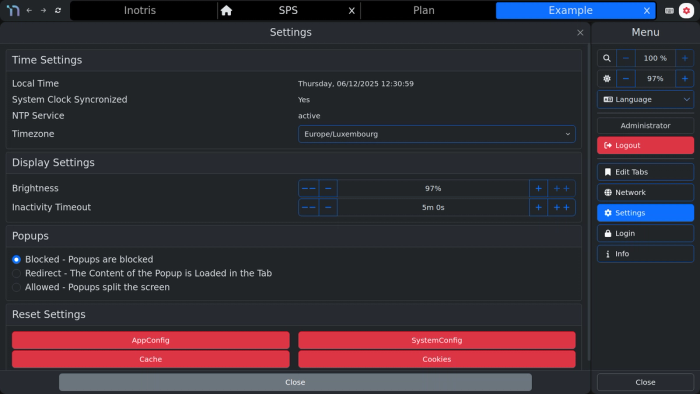
NTP time sync with timezone selection, adjustable brightness and inactivity auto-lock timeout, three pop-up handling modes (blocked, redirected into the tab, or allowed as a split screen), and one-tap resets for app config, system config, cache, or cookies.
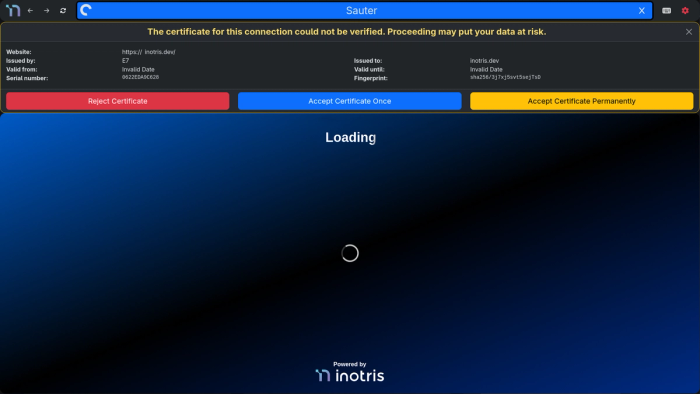
Local control-system web servers rarely have a real public SSL certificate. Inotris UI lets an operator accept a certificate once, trust it permanently, or reject it — instead of the browser just refusing to load the page.
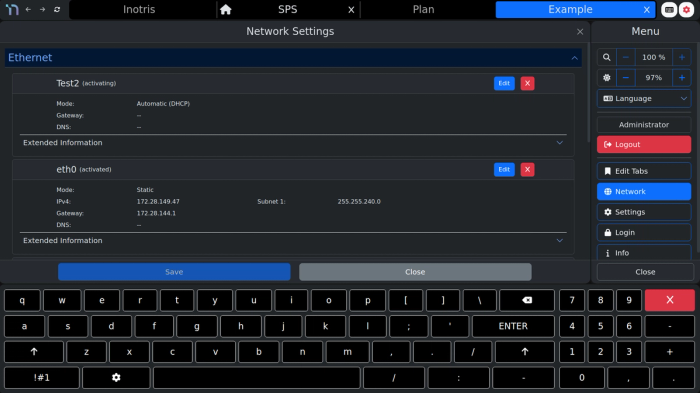
Configure DHCP or a static IP, DNS, and gateway independently for each network adapter, right from the panel — no separate configuration tool needed.
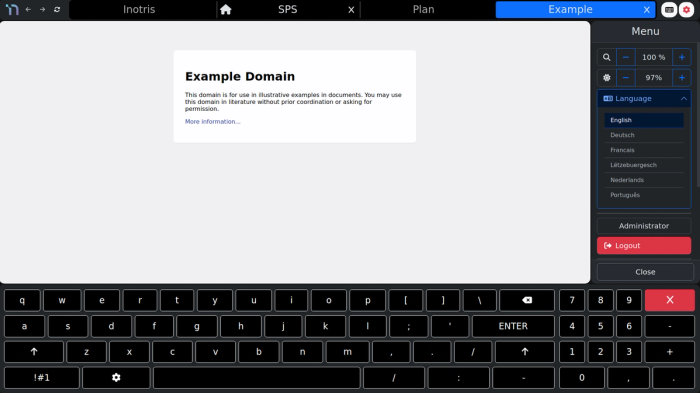
Switch the interface between English, German, French, Luxembourgish, Dutch, and Portuguese from the settings menu — the same panel works for every site and every operator.
Linux-based, browser-based HTML5 environment — no proprietary lock-in.
Works with any HTML-based PLC, SCADA, IoT system, or website.
Three permission tiers — None, User, and Admin — let an installer set everything up, lock it with a password, and stop end users from changing settings by accident.